
Insights
Turn product photos into a week of Instagram posts
Camera roll full, Instagram empty? Map product photos to post jobs, build one week from ≤5 shots, and approve captions before anything posts.
Youanai Editorial
5 min read
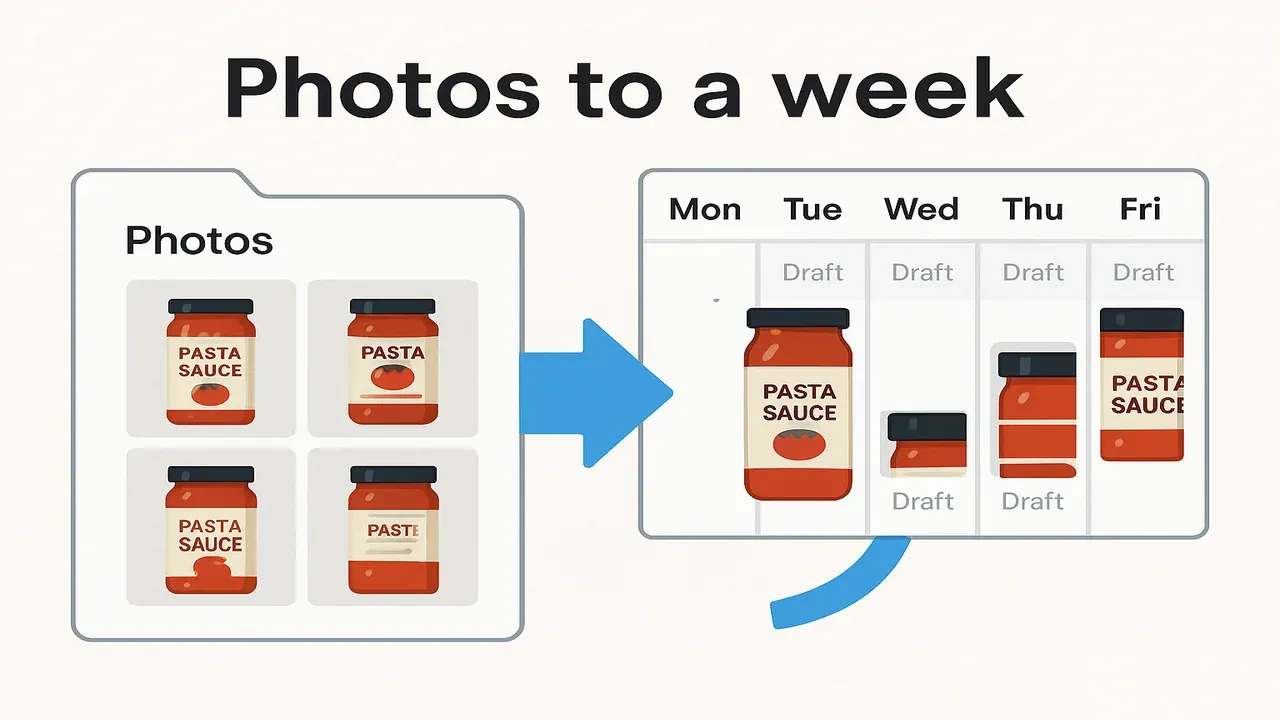
You already have the hard part on your phone: pack shots, a detail crop, maybe a stove-top still. The week still looks empty because photos are not posts until you assign each one a job and a caption you would actually approve.
This is not a remake of our weekly plan for one skincare product. That piece is the beauty deep dive. Here the SKU can be anything you ship — pasta sauce, a mug, a candle, trail mix. Same method. Different jar.
If your source asset is a blog URL instead of a camera roll, use blog → Instagram repurpose. This page starts from product photos.
Audit the folder before you invent posts
Open the album for one live SKU. Delete or park blurry twins. Rank what remains:
| Photo type | What it shows | Keep if… |
|---|---|---|
| Hero | Full product, clean background | Label is readable |
| Detail | Texture, lid, ingredient, stamp | One fact is obvious |
| In-use | Product in a real moment | Context is honest, not stock-fake |
| Process | Making, packing, labeling | You filmed real work |
| Offer | Bundle, restock, size option | The claim is true today |
Public ecommerce photography guides treat pack shots and lifestyle stills as different jobs, not interchangeable crops (Shopify on ecommerce photography; Shopify how-to for product photos). Steal that discipline for Instagram: one clear job per frame.
One-afternoon shot list if the folder is thin:
- Hero on a plain surface (window light)
- Detail of the label or lid
- In-use (plate, desk, pour — whatever matches the product)
- Process (packing tape, ladle, kiln shelf)
- Optional offer frame (two sizes side by side) only if stock is real
Stop at five keepers. More files rarely fix a blank week.
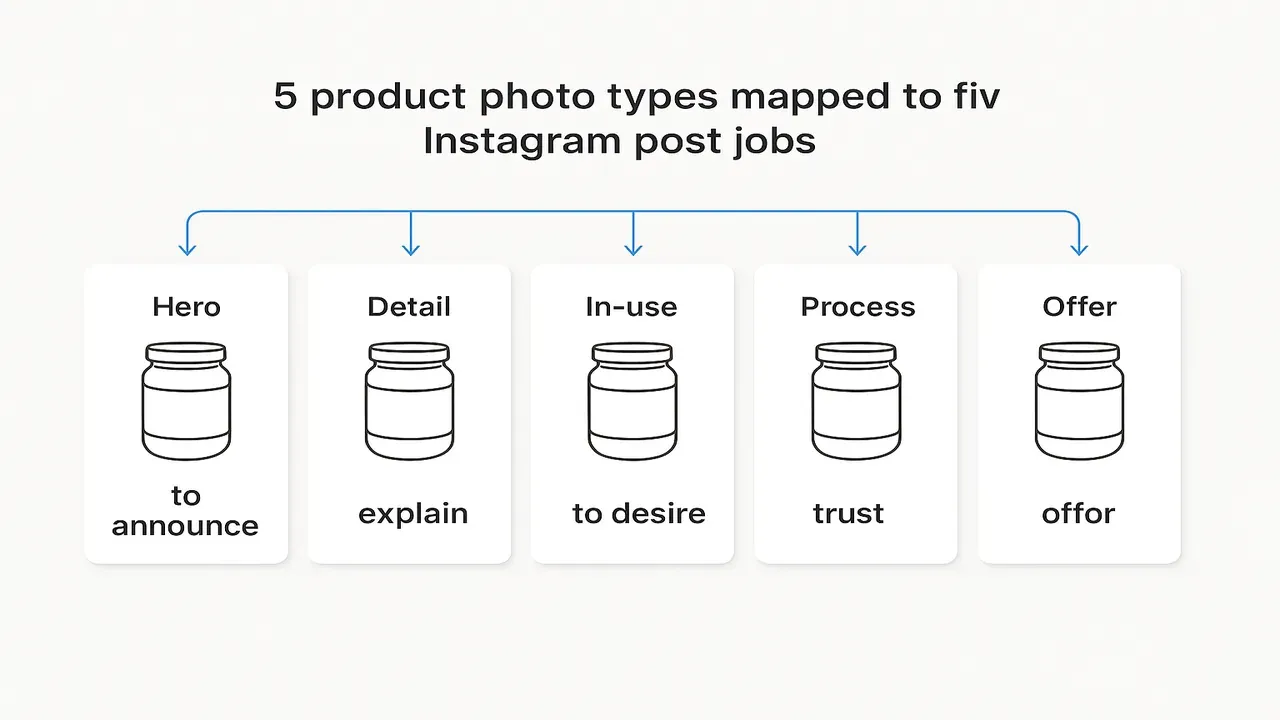
Map five photo types to five post jobs
Do not ask “what should I post?” Ask “what job does this photo already do?”
| Photo type | Post job | One-line fill |
|---|---|---|
| Hero | Announce | Name the SKU + who it is for |
| Detail | Explain | One fact from the product page |
| In-use | Desire | Show the moment without fake urgency |
| Process | Trust | Show work, not vibe B-roll |
| Offer | Shop | Restock, bundle, or honest availability |
That map is the whole framework. A week is just five slots filled from those jobs — or three slots if that is all you can keep.
Build one week from three photos
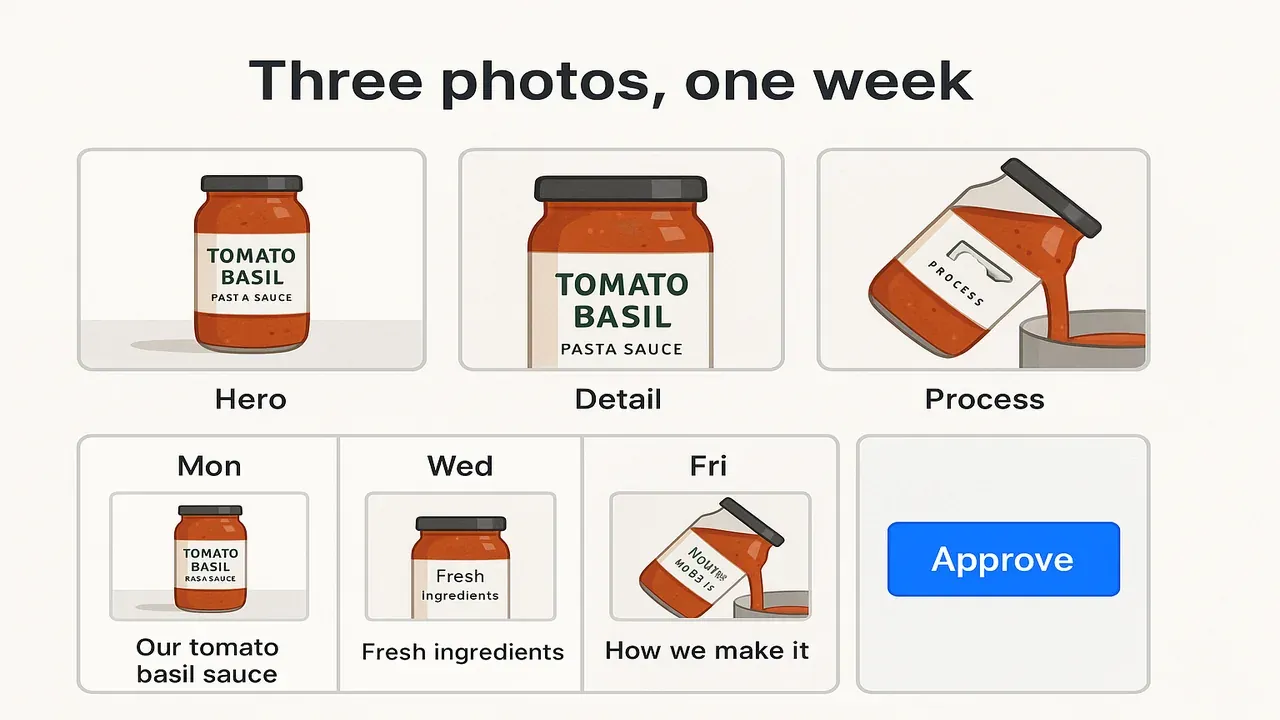
Minimum set for a solo operator: Hero + Detail + Process (or In-use if you have no process clip). Reuse with different crops and captions. You do not need seven unique shoots.
| Day | Photo | Job | Caption seed (short) |
|---|---|---|---|
| Mon | Hero | Announce | “New jar. Same Tuesday night pasta.” |
| Tue | Detail | Explain | “That lid is doing more work than it looks.” |
| Wed | Process | Trust | “Ladled, sealed, labeled. Then it leaves.” |
| Thu | Hero (tight crop) | Announce again | “Same sauce. Closer look at the label.” |
| Fri | Detail or Offer | Explain / Shop | “Back for this week’s orders” only if true |
Stories can borrow the same three frames. They do not count as a second week of invention.
Hypothetical (not a customer story): you sell a specialty pasta sauce, “Sunday Red, 16 oz.” Camera roll has a clean jar hero, a tomato-and-herb detail, a stove pour, and a packing shot. You skip inventing lifestyle filler. Monday announces the jar. Wednesday shows the ladle. Friday quotes a restock note only if the shelf is actually full. Beauty brands can follow the same map in the skincare weekly plan — borrow the discipline, not the cream.
Public Instagram marketing primers still start from a small set of clear content types and a plan you can keep, not a dump of random product tiles (Shopify Instagram marketing; Later Instagram marketing overview; Buffer Instagram marketing library). Treat those as planning floors. Autoposting every pack shot with AI sludge is the failure mode this page is written against.
Caption starters that stay human
Keep seeds short. Finish them in your voice before anything goes live.
- Hero: “New jar. Same Tuesday night pasta.”
- Detail: “That lid is doing more work than it looks.”
- In-use: “Plate night. No recipe essay.”
- Process: “Ladled, sealed, labeled.”
- Offer: “Two sizes. Same recipe. Stock is real.”
Kill list:
- “Excited to announce…” with no product fact
- Fake scarcity when inventory is fine
- Captions that could swap any brand name
- Long AI essays you would not say out loud
Draft in a calendar you can approve
Method first. Tool second.
- Pick one live SKU and audit the folder into the five types
- Map each keeper to a post job
- Fill Mon–Fri (or three days) from ≤5 photos
- Write short caption seeds from the product page, not from “sound premium” prompts
- Review as if a stranger will screenshot it
- Approve, then schedule. Do not skip approve
Owner-run shops in our ecommerce brands lane need drafts waiting for a human yes — not a camera-roll autopilot. If you want product photos turned into calendar drafts you can approve before anything posts, start in Youanai Social. AI can draft. You still make the call.
FAQ
How many product photos do I need for a week of Instagram?
Three solid keepers can cover a week if you reuse crops and change the job. Five is plenty. Ten blurry twins help less than one readable hero.
Can I reuse the same product photo with different captions?
Yes. Same hero, Monday announce vs Thursday tight crop, is normal. Change the job or the fact. Do not post the identical frame and caption five times.
Should I auto-post AI captions from product images?
No. Use AI to draft from your product facts. Read every caption. Approve before publish. Autopost without review is how wrong claims and sludge land on your grid.
What’s the difference between a pack shot and a scroll-stopping post?
A pack shot proves the SKU exists. A post has a job: announce, explain, desire, trust, or shop. Same photo can become a post when you assign the job and write a human caption you approve.